
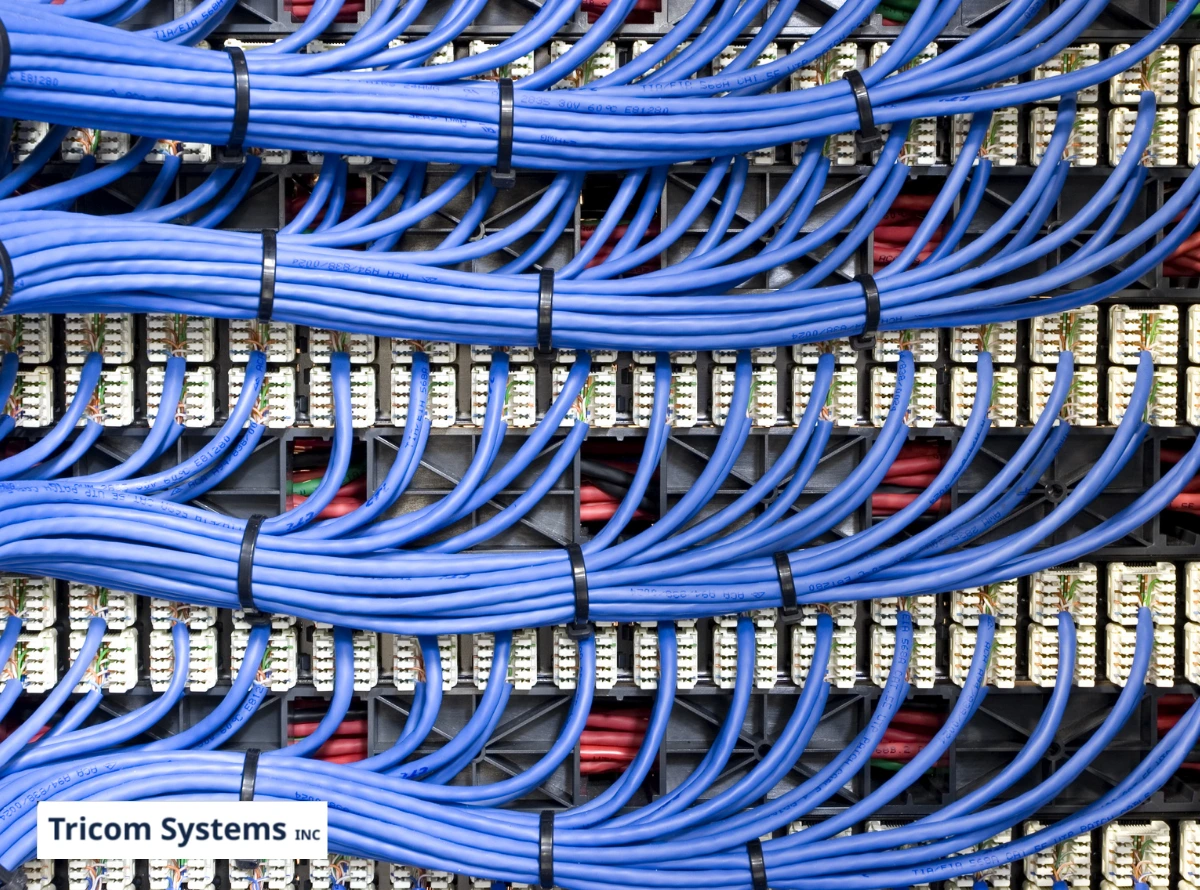
Every piece of technology in your office depends on one thing most people never think about: the cables running behind your walls and above your ceiling. Your phones, your internet, your security cameras, your cloud applications, all of it rides on your network cabling. And yet, when businesses invest in new technology, the cabling is almost always an afterthought.
That is exactly where things go wrong.
Poor network cabling installation is one of the most common and most expensive mistakes businesses make. Not because the cables themselves cost a fortune, but because bad cabling causes problems that are incredibly difficult to diagnose after the fact. Slow internet that no one can explain. VoIP calls that cut in and out. Security cameras that freeze at the worst possible moment. Nine times out of ten, the issue is not your equipment or your internet provider. It is what is connecting everything.
Why Cabling Gets Overlooked
It is not hard to understand why businesses skip over cabling. It is not exciting. Nobody walks into a newly renovated office and compliments the cable runs. The focus goes to the visible stuff: new monitors, sleek phones, upgraded conference rooms.
But here is the reality. Every one of those upgrades depends on a cabling infrastructure that can handle the data load. Install the best VoIP phone system on the market over outdated Category 5 cabling, and you will spend the next six months troubleshooting call quality issues that have nothing to do with the phone system itself.
Network cabling services exist specifically to prevent this. The problem is that many businesses either skip professional installation entirely or hire the wrong people to do it.
The Most Common Mistakes Businesses Make
After two decades of working with Connecticut businesses on their communication infrastructure, the same installation mistakes come up again and again. Here are the ones that cause the most damage.
Using the wrong cable category for the job. Not all Ethernet cables are created equal. Category 5e can handle basic data, but it struggles under the demands of modern VoIP, video conferencing, and high-bandwidth applications running simultaneously. Category 6 and 6A cables support higher speeds and better performance over longer distances. Choosing the wrong category during installation means you are building a foundation that cannot support what you are putting on top of it.
Running cables too close to electrical wiring. This is a classic mistake in older buildings. When network cables run parallel to electrical lines or sit too close to fluorescent lighting ballasts, electromagnetic interference degrades your signal. The result is intermittent connectivity issues that seem random and are maddening to troubleshoot. Proper separation and shielding during installation eliminates this.
Skipping labeling and documentation. It sounds minor, but walk into any office with an unlabeled patch panel and watch what happens when something needs to be changed. Nobody knows which cable goes where. A simple port swap becomes a two-hour guessing game. Professional network cabling services include labeling every single run and providing documentation so future changes are fast and painless.
Pulling cables too tight or bending them past their radius. Cables have physical limits. Pulling them through tight spaces with too much force or bending them around sharp corners damages the internal wiring and degrades performance. The connection might still technically work, but you will see slower speeds and intermittent drops that no amount of rebooting will fix.
Not planning for future growth. This is the one that costs businesses the most money over time. Installing exactly the number of cable runs you need today means you are ripping open walls again the moment you add a workstation, a printer, or a new phone line. A smart installation includes extra runs and spare capacity, so your infrastructure can grow with your business instead of holding it back.
What a Proper Installation Actually Looks Like
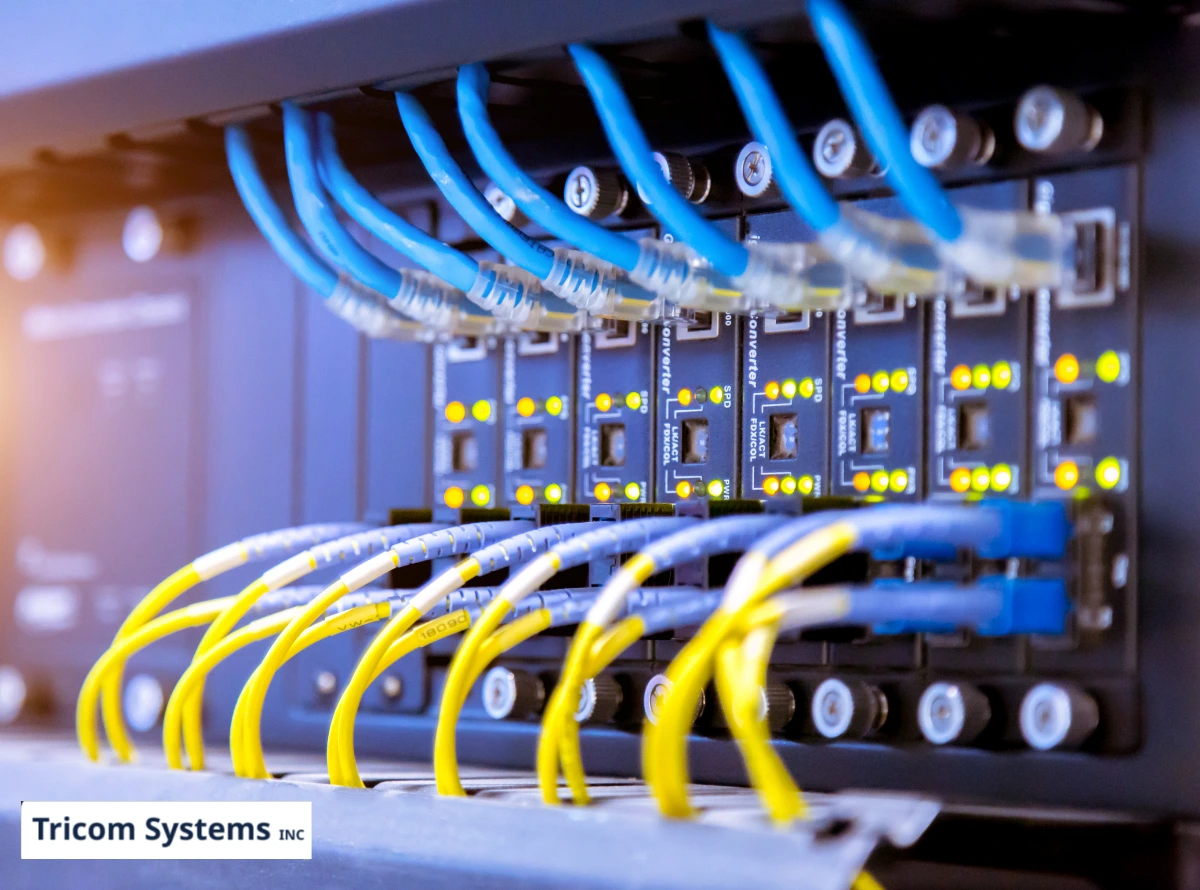
A professional network cabling job is not just about running wire from point A to point B. It is a structured process that starts well before anyone picks up a spool of cable.
The process should include:
- A site survey to assess your building layout, identify potential interference sources, and map out the most efficient cable paths
- A capacity plan that accounts for your current needs and realistic growth over the next three to five years
- Proper cable selection based on the applications you are running, phones, data, security cameras, and wireless access points
- Clean, organized runs with appropriate separation from electrical lines, proper bend radius, and secure mounting
- Termination and testing at every single port to verify performance meets certification standards
- Full labeling and documentation so anyone who touches the system in the future knows exactly what they are looking at
When installation is done right, you should not have to think about your cabling again for years. It just works quietly in the background, supporting everything your business runs on.
Signs Your Current Cabling Might Be the Problem
If your business is experiencing any of the following, your cabling infrastructure deserves a closer look before you start blaming your ISP or replacing equipment:
- Internet speeds that are significantly slower than what your plan promises
- VoIP call quality that fluctuates throughout the day for no obvious reason
- Security cameras that lag, freeze, or lose connection intermittently
- Network drops that affect certain areas of the office but not others
- Switches and patch panels that look like a tangled mess with no labels in sight
These symptoms almost always point back to cabling that was either installed incorrectly, has degraded over time, or was never rated for the demands being placed on it today.
When to Invest in Professional Network Cabling Services
There are a few situations where professional cabling should be non-negotiable:
- You are moving into a new office or renovating your current space. This is the single best opportunity to get your cabling right. Doing it during construction is a fraction of the cost compared to retrofitting later.
- You are upgrading your phone system or adding VoIP. Voice traffic is far less forgiving than basic data. If your cabling cannot keep up, your new phone system will underperform from day one.
- You are adding security cameras or access control systems. These devices require dedicated, reliable cable runs. Daisy-chaining them off existing infrastructure leads to gaps in coverage and recording failures.
- Your building is more than ten years old, and the cabling has never been updated. Technology demands have changed dramatically. What was sufficient a decade ago is almost certainly a bottleneck today.
The Bottom Line
Your network cabling is the one piece of infrastructure that touches everything in your business. When it is done right, every system performs the way it should. When it is done wrong, you spend months chasing phantom problems that no equipment upgrade will ever fix.
Do not treat cabling as an afterthought. Treat it as the foundation it actually is.
Frequently Asked Questions
What are network cabling services? Network cabling services cover the design, installation, testing, and maintenance of the physical cable infrastructure that connects all your business technology, including phones, computers, security cameras, and wireless access points.
How do I know if my office needs new cabling? Common signs include inconsistent internet speeds, poor VoIP call quality, security camera lag, and network drops in certain areas. If your cabling is over ten years old or was never professionally installed, an assessment is a smart first step.
What is the difference between Cat5e and Cat6 cabling? Cat5e supports speeds up to 1 Gbps and is adequate for basic networking. Cat6 supports higher speeds with better resistance to interference, making it the preferred choice for offices running VoIP, video conferencing, and high-bandwidth applications.
Can I install network cabling myself? Technically, yes, but improper installation leads to performance issues that are expensive to diagnose and fix later. Professional installation ensures proper cable routing, termination, testing, and documentation that DIY jobs almost always lack.
How long does a professional cabling installation take? It depends on the size of your office and the scope of the project. A small office might take a day or two, while larger multi-floor installations can take a week or more. A site survey before the project gives you an accurate timeline.
Tricom Systems Inc. has been designing and installing network cabling for Connecticut businesses for over 20 years. From structured cabling and fiber optics to full infrastructure buildouts for phones, data, and security systems, our New Haven-based team gets it right the first time. Every installation includes a site survey, proper cable selection, certified testing, and full documentation, because your business runs on what is behind those walls. Contact Tricom Systems Inc. to schedule your cabling assessment.
Related reading: Moving offices in Connecticut? A phone, network and security checklist